Quick Start
reading time: 3 min
Step 1. Access and sign up for Rinda
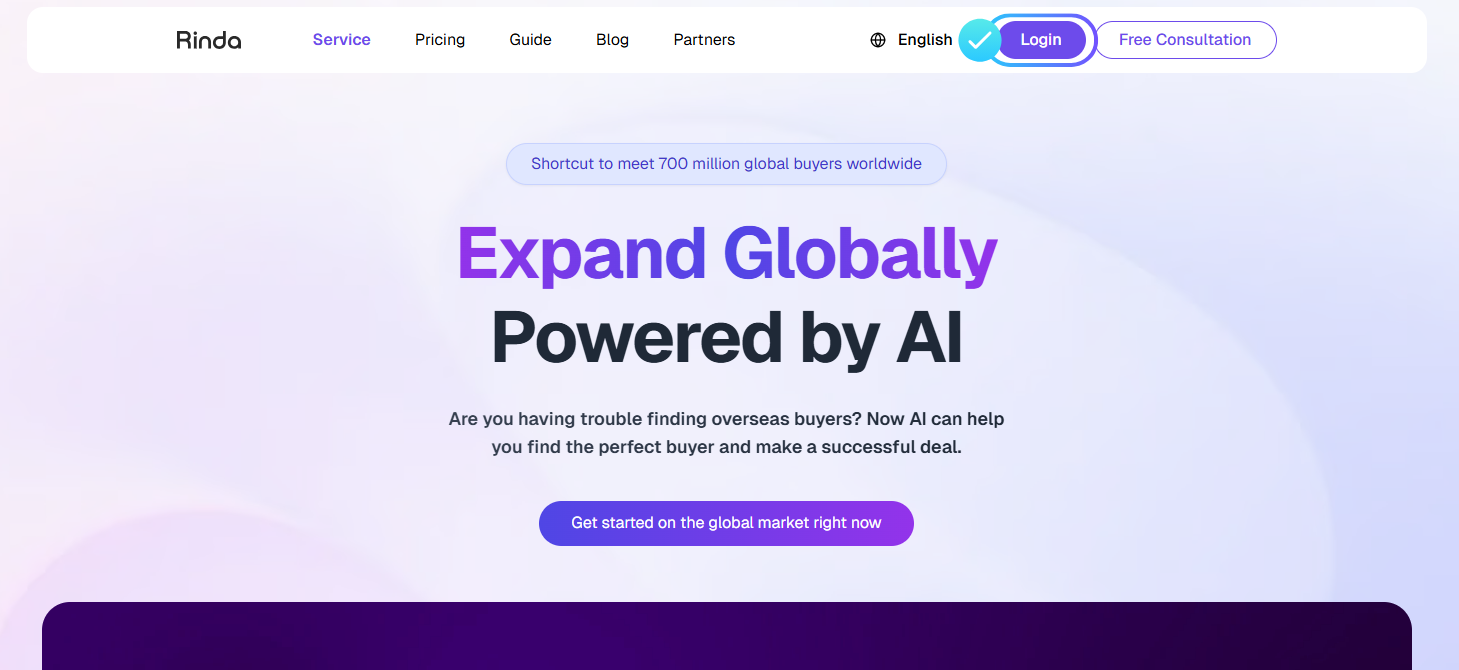
When you go to the Rinda website (https://rinda.ai/en), you will see a screen like the one above, click Login in the upper right corner to sign up.
You can currently sign up through your Google account, and it only takes 3 seconds to sign up using your Google account.
Step 2. Onboarding
Onboarding is a required process to get suggested customer lists and personalize Rinda features.
Enter your company's website address and our AI will deeply analyze your site to learn about your company, and based on that data, we'll make personalized suggestions for your best target audience.
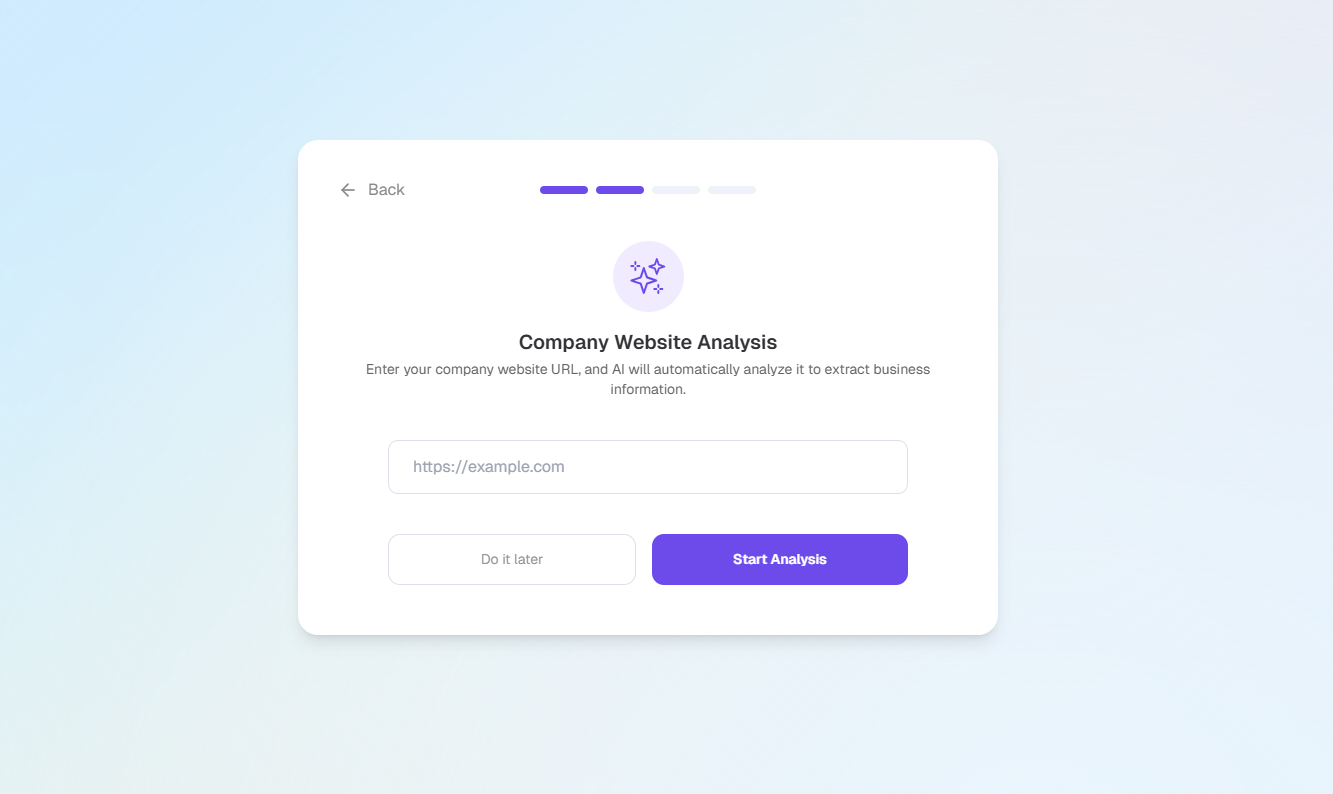
Enter your company website URL.
The AI will search and analyze the website for various company information, including company/product information. The extracted information is used to find ideal international buyers.
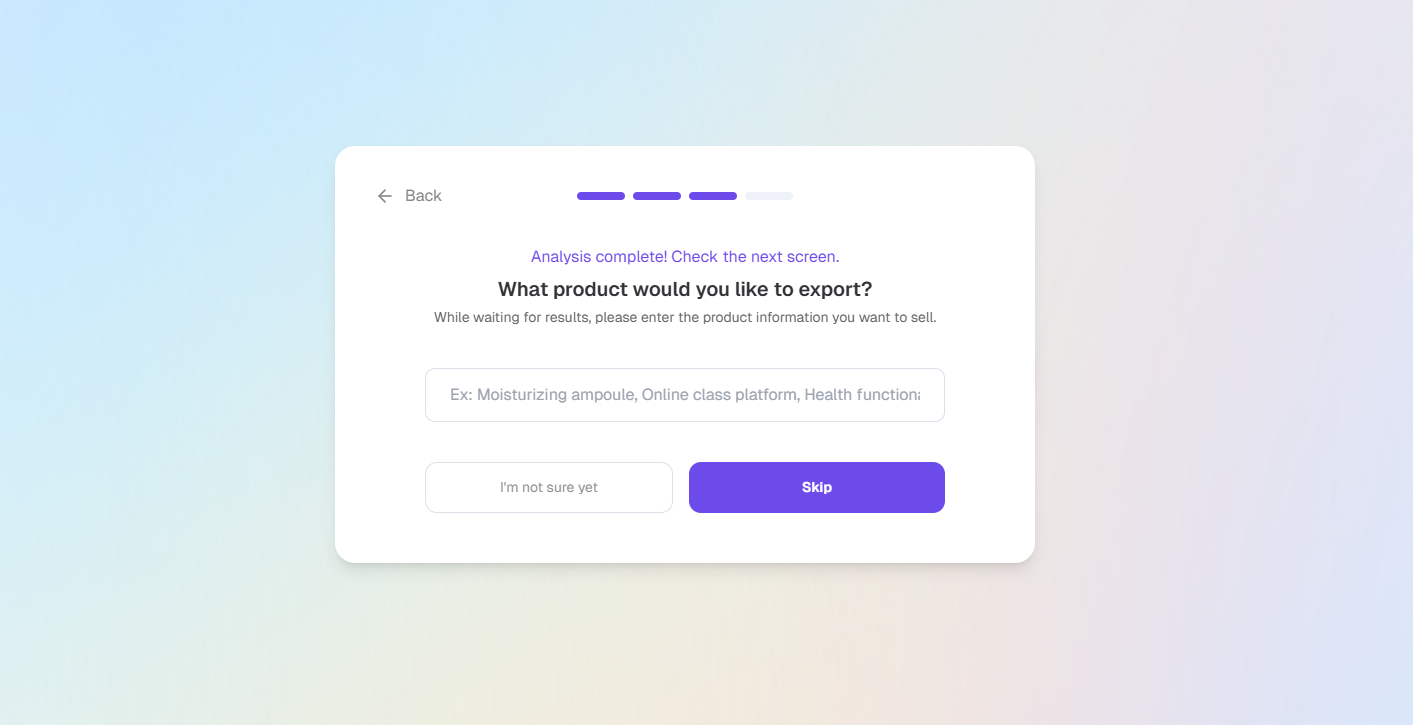
Enter the product you wish to export.
AI will use this product information to find the ideal overseas buyers.
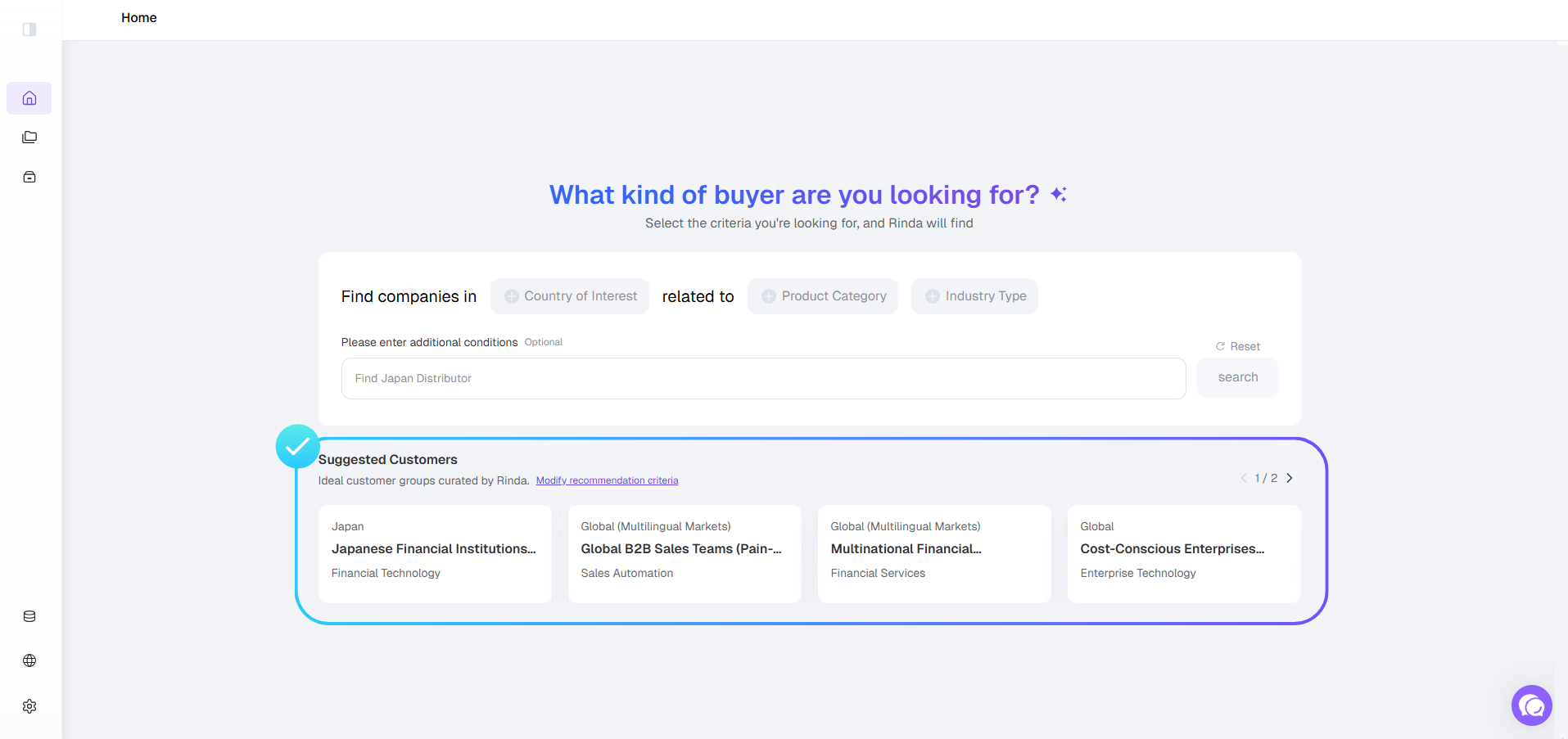
You can see the buyers recommended by the AI based on the extracted information in the Suggested Customers section.
Step 3. Discover New Potential Customers
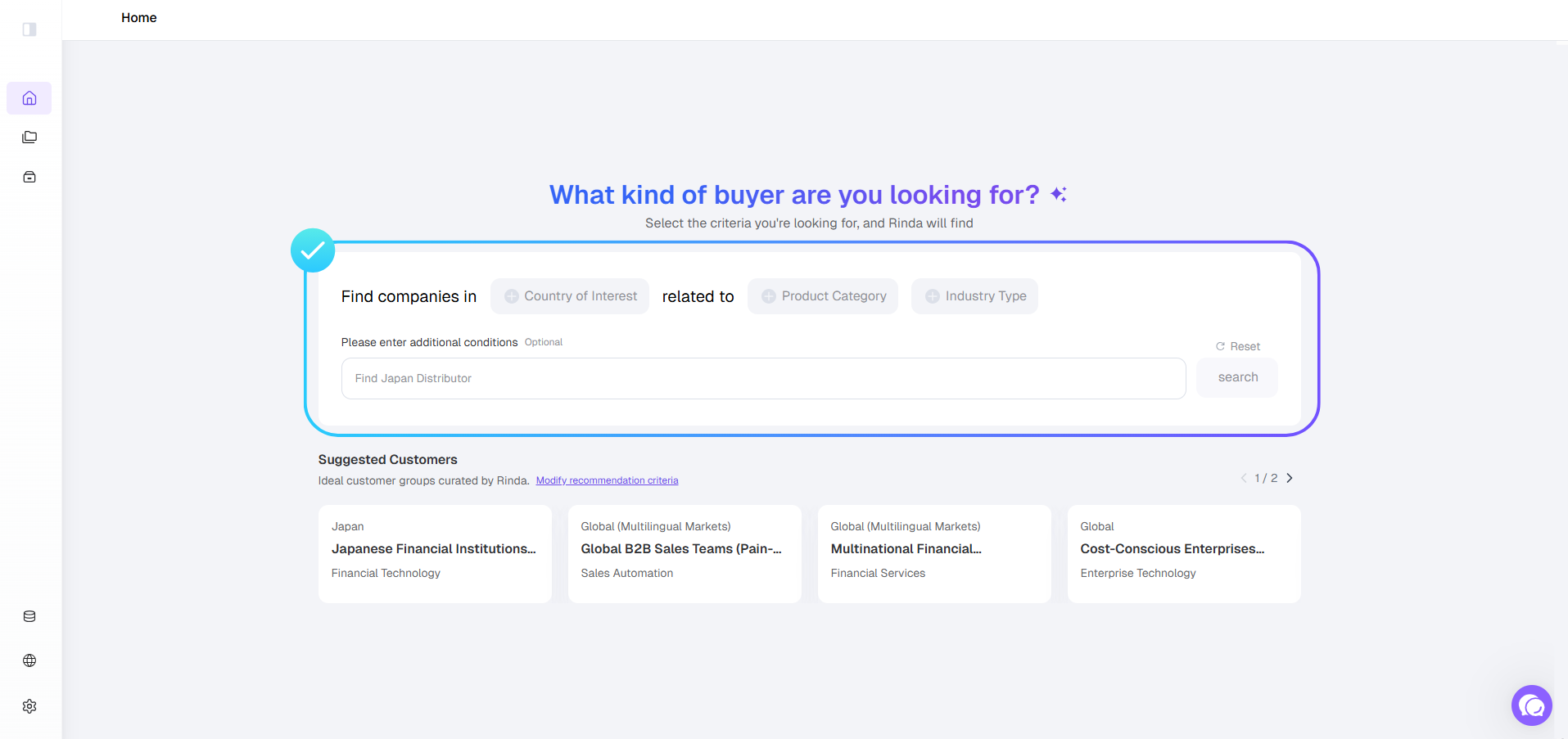
Start finding overseas buyers right away using the Search function at the top!